The New Dental Practice Software Stack: Everything You Need
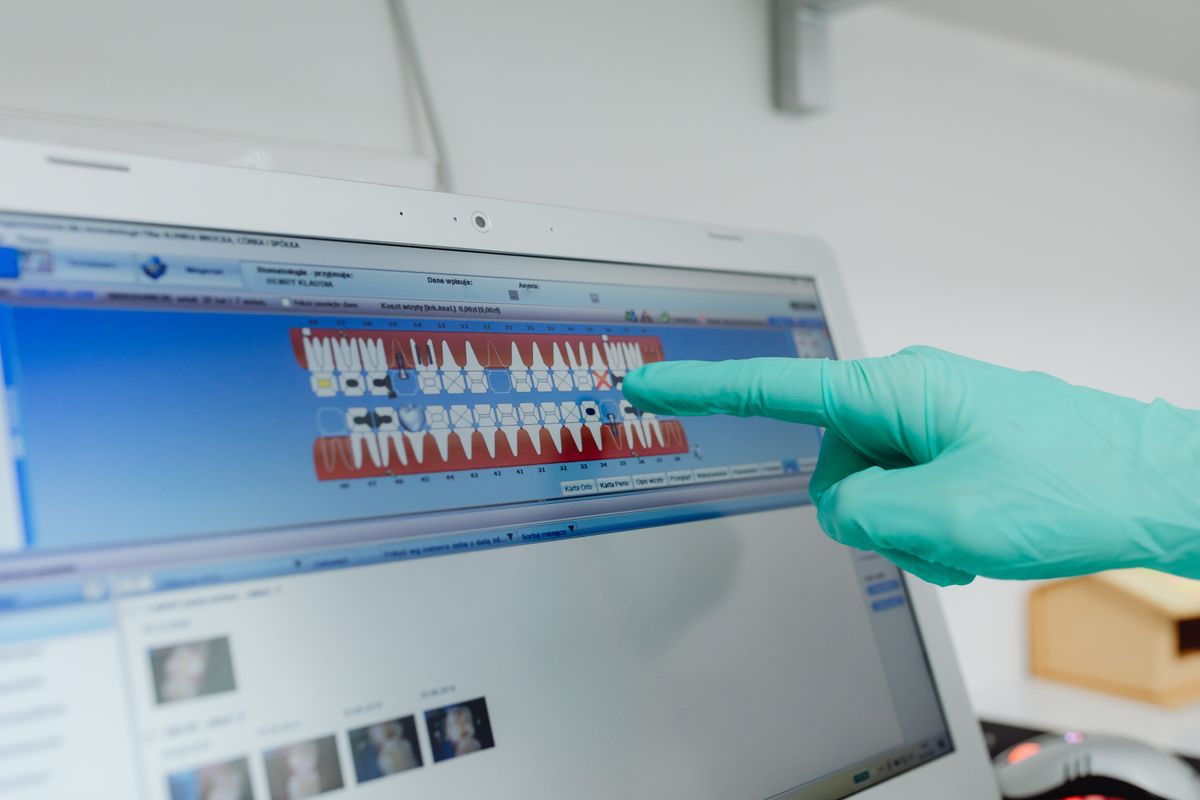
A practical guide to building your dental practice software stack in 2026, covering essential tools, costs, and implementation steps.
Starting a dental practice means making dozens of software decisions. You need tools that handle patient records, billing, imaging, scheduling, and communication. This guide walks you through the core components of a modern dental software stack, with realistic price ranges and actionable steps to get set up this week.
The Core: Practice Management Software (PMS)
Your PMS is the backbone of your practice. It stores patient demographics, treatment plans, clinical notes, and billing information. In 2026, most PMS options are cloud-based, which means you can access them from any device and avoid maintaining on-site servers.
Popular PMS options include:
- Dentrix (Henry Schein): A long-standing leader, now offering a cloud version. Pricing typically starts around $300-$500 per month per provider.
- Eaglesoft (Patterson): Another established choice, with cloud and on-premise options. Expect $250-$450 per month.
- Open Dental: Known for its flexibility and lower cost. Cloud hosting adds about $100-$150 per month, plus a one-time license fee of around $5,000-$10,000 for a new practice.
- Curve Dental: A cloud-native PMS with a modern interface. Pricing is often $300-$500 per month.
- CareStack: All-in-one cloud solution with built-in patient engagement. Plans range from $400-$700 per month.
When choosing, consider the learning curve, customer support, and integration with other tools. Most vendors offer free demos, so test a few before committing.
Imaging and Digital X-Rays
Digital imaging is non-negotiable. You need software to capture, store, and interpret X-rays, intraoral photos, and 3D scans (if you offer CBCT). Many PMS platforms have integrated imaging modules, but you may need standalone software for advanced diagnostics.
Key options:
- Dexis: A popular choice for digital sensors and imaging software. Sensor prices range from $8,000-$15,000, with software included or available for a subscription.
- Planmeca Romexis: Works with Planmeca equipment and offers comprehensive imaging tools. Pricing varies, often bundled with hardware.
- Carestream Dental: Offers imaging software that integrates with many sensors. Expect $5,000-$10,000 for a basic setup.
If you are on a budget, consider refurbished sensors or leasing options. Also, ensure your imaging software integrates seamlessly with your PMS to avoid double entry.
Patient Scheduling and Recall
Efficient scheduling reduces no-shows and keeps your calendar full. Most PMS platforms include basic scheduling, but dedicated tools offer online booking, automated reminders, and recall management.
Popular scheduling tools:
- Solutionreach: Focuses on patient communication, including text and email reminders. Pricing starts around $200-$300 per month.
- RevenueWell: Offers automated recalls and marketing. Plans range from $150-$250 per month.
- Yapi: A newer tool that integrates with many PMS systems, with pricing around $100-$200 per month.
Many of these tools also handle online reviews and reputation management, which is a bonus.
Billing and Insurance Claims
Your PMS should handle insurance claims, but you may need additional software for electronic claims clearing and payment processing.
- Electronic claims clearing: Most PMS platforms partner with clearinghouses like TRI or DentalXChange. Fees are typically per claim, around $0.10-$0.50 per claim, or a flat monthly fee.
- Payment processing: For credit card and patient financing, consider PayPal, Square, or dental-specific options like CareCredit (for patient financing). Transaction fees range from 2.5% to 3.5%.
Make sure your PMS can integrate with these services to streamline billing.
Patient Communication and Marketing
Beyond scheduling reminders, you need tools to attract new patients and keep them engaged.
- Email marketing: Platforms like Mailchimp or Constant Contact start at $20-$50 per month for small lists.
- Text messaging: Services like TextMagic or SimpleTexting cost around $0.05-$0.10 per text.
- Reputation management: Tools like BirdEye or Reputation.com start at $200-$300 per month.
Many all-in-one patient engagement platforms (like Solutionreach) combine these features, which can be more cost-effective.
Document Management and E-Signatures
Going paperless saves time and space. You need a way to store patient forms, consent documents, and other paperwork securely.
- E-signature tools: DocuSign or Adobe Sign cost about $20-$40 per month per user.
- Document storage: Your PMS may have a document module, but you might also use Dropbox Business or Google Workspace for secure file sharing. These run $10-$20 per user per month.
Ensure your document management complies with HIPAA, which means using encrypted storage and access controls.
Cybersecurity and Backup
Protecting patient data is critical. You need antivirus, firewalls, and regular backups.
- Antivirus: Bitdefender or Norton for business start at $50-$100 per year per device.
- Backup solutions: Cloud backup like Backblaze or Carbonite costs $50-$100 per year per computer. For your PMS data, use the vendor’s backup or a dedicated service.
- HIPAA compliance: Consider a service like HIPAA Secure Now for training and risk assessments, around $100-$200 per month.
Putting It All Together: Your Stack
Here is a sample stack for a new practice with one dentist and two hygienists:
| Component | Recommended Option | Monthly Cost Range |
|---|---|---|
| PMS | Open Dental (cloud) | $100-$150 |
| Imaging | Dexis (sensor + software) | $200-$300 (amortized) |
| Scheduling/Recall | Solutionreach | $200-$300 |
| Billing/Claims | Clearinghouse (TRI) | $50-$100 |
| Payment Processing | Square | 2.5%-3.5% per transaction |
| Email Marketing | Mailchimp | $20-$50 |
| E-Signatures | DocuSign | $20-$40 |
| Cybersecurity | Bitdefender + Backblaze | $10-$20 |
Total monthly software costs: approximately $600-$1,000, plus transaction fees. This is a realistic budget for a new practice.
Steps to Implement This Week
- List your must-haves: Write down the features you cannot live without (e.g., online booking, integrated imaging).
- Request demos: Contact 3-4 PMS vendors and schedule demos. Ask about integration with your imaging and billing tools.
- Compare pricing: Get written quotes, including setup fees and monthly costs. Look for hidden charges.
- Choose your PMS first: Since everything integrates with it, pick your PMS before other tools.
- Set up your imaging: Order sensors and software, and schedule installation.
- Create your patient communication plan: Sign up for a scheduling/recall tool and set up automated reminders.
- Secure your data: Install antivirus and set up cloud backups.
FAQ
Q: Can I use a free PMS? A: There are free or low-cost options like Open Dental (with a one-time license) or Dentrix trial, but you will likely need paid support and hosting. Free versions may lack features or have limited support, which is risky for a new practice.
Q: How much should I budget for software in the first year? A: Plan for $10,000-$20,000 in the first year, including hardware, software licenses, and setup fees. This covers PMS, imaging, and communication tools.
Q: Do I need a separate imaging software if my PMS has it? A: Many PMS platforms have basic imaging, but dedicated software like Dexis offers better image quality and diagnostic tools. If you plan to do advanced procedures, invest in standalone imaging.
Q: How do I ensure my software is HIPAA compliant? A: Choose vendors that sign Business Associate Agreements (BAAs) and use encryption. Regularly train your staff on HIPAA rules and conduct risk assessments.
The Bottom Line
Your software stack is the foundation of your practice’s efficiency and patient experience. Start with a solid PMS, add imaging and communication tools, and secure your data. Budget $600-$1,000 per month for ongoing software costs. By following the steps above, you can have your stack ready within a week. Remember to prioritize integration and scalability as your practice grows.