Best New Dental Practice Software in 2026: The Complete Comparison
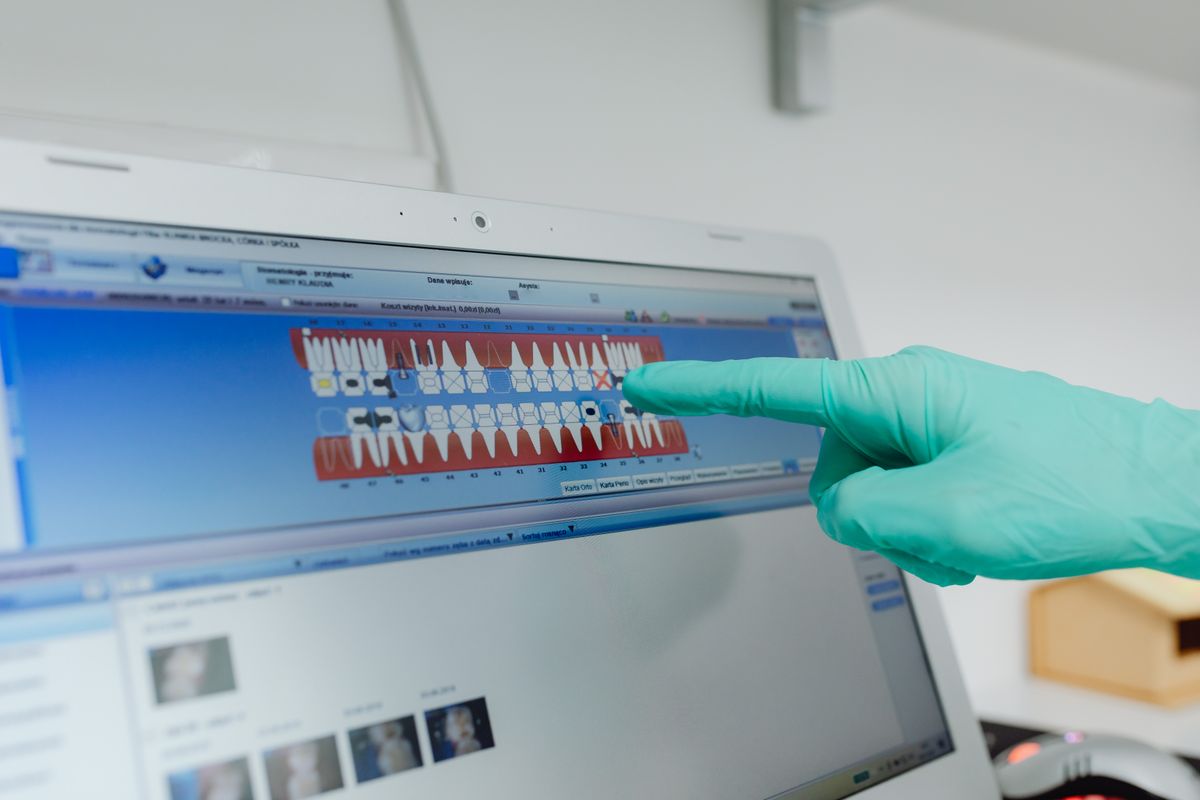
Compare the top dental practice management software for new practices in 2026, with pricing, features, and practical steps to choose the right one.
Choosing the right software for your new dental practice is one of the most critical business decisions you’ll make. The right system handles scheduling, billing, patient records, and insurance claims, saving you hours each week. The wrong one creates chaos and costs you money. This guide compares the leading dental practice management software options in 2026, with realistic pricing and features, so you can make an informed choice.
What to Look for in Dental Practice Software
Before comparing specific products, understand the core features every dental practice needs:
- Patient scheduling: Online booking, automated reminders, and chair-side calendar management.
- Billing and claims: Electronic claims submission, payment processing, and insurance eligibility checks.
- Clinical charting: Digital charting, perio charting, and treatment plan presentation.
- Patient communication: Two-way texting, email reminders, and recall management.
- Reporting: Key metrics like production, collections, and patient retention.
- Ease of use: Intuitive interface that your team can learn quickly without extensive training.
- Support and reliability: Responsive customer support and uptime guarantees.
Top Dental Practice Software Options in 2026
Here are the six most popular platforms for new practices, based on market share and user reviews.
1. Dentrix Ascend
Dentrix Ascend is a cloud-based system from Henry Schein, designed for practices that want a modern, all-in-one solution. It includes built-in patient communication, imaging integration, and robust reporting.
- Price: $250-$400 per month per provider, plus a one-time setup fee of $500-$1,000. Some features, like advanced imaging, cost extra.
- Best for: Practices that want a well-known brand with comprehensive features and a strong support network.
- Pros: Integrated with Henry Schein’s ecosystem, frequent updates, and strong training resources.
- Cons: Higher price point, and some users report a learning curve for new staff.
2. Open Dental
Open Dental is a traditional, install-based software that has been a staple in dental offices for years. It offers extensive customization and a one-time license fee, which can be more cost-effective over time.
- Price: $399 per month for the standard plan (includes support and updates), or a one-time license purchase of $9,995 per provider (plus annual support fees of about $1,500). Cloud hosting adds $100-$200 per month.
- Best for: Practices that want control over their data and are comfortable with a more traditional interface.
- Pros: Highly customizable, no recurring fees if you buy the license, and a large user community.
- Cons: Requires more IT management, and the interface can feel dated compared to cloud options.
3. Curve Dental
Curve Dental is a cloud-based system that focuses on simplicity and ease of use. It’s known for its clean interface and fast implementation, making it a favorite among new practices.
- Price: $199-$299 per provider per month, with no long-term contract. Setup is included.
- Best for: New practices that want a simple, affordable cloud solution without sacrificing core features.
- Pros: Very user-friendly, quick to set up, and includes unlimited support.
- Cons: Fewer advanced features than Dentrix Ascend, and some users report limited reporting options.
4. Practice-Web
Practice-Web is another cloud-based option that offers a balance of features and affordability. It includes patient scheduling, billing, and charting, with a straightforward pricing model.
- Price: $199-$249 per month per provider, with a one-time setup fee of $250-$500. No long-term contract required.
- Best for: Budget-conscious practices that still want a full-featured system.
- Pros: Affordable, easy to use, and good customer support.
- Cons: Fewer integrations with third-party tools, and the mobile app is less robust.
5. Carestream Dental (CS Practice)
Carestream Dental offers a suite of software including CS Practice, which is a comprehensive practice management system. It’s often bundled with imaging software, making it a good choice for practices that want a unified workflow.
- Price: $300-$450 per month per provider, depending on modules. Imaging software is sold separately or as a bundle, which can increase costs.
- Best for: Practices that want integrated imaging and practice management from a single vendor.
- Pros: Excellent imaging integration, strong support, and scalable for multi-location practices.
- Cons: Higher cost, and some users find the interface less intuitive.
6. Tab32
Tab32 is a cloud-based platform that offers a modern, all-in-one solution with a focus on patient engagement. It includes built-in patient portal, online payments, and communication tools.
- Price: $299-$399 per month per provider, with a setup fee of $500. Includes most features.
- Best for: Practices that want a modern, patient-centric approach with strong communication tools.
- Pros: Excellent patient engagement features, integrated payments, and a clean interface.
- Cons: Newer company with a smaller support team, and some users report occasional glitches.
Comparison Table
| Software | Price (per month/provider) | Setup Fee | Cloud or Install | Best For |
|---|---|---|---|---|
| Dentrix Ascend | $250-$400 | $500-$1,000 | Cloud | All-in-one, brand reliability |
| Open Dental | $399 (subscription) or $9,995 license | $0 (subscription) or $1,500 annual support | Install (or cloud hosting) | Customization, long-term cost savings |
| Curve Dental | $199-$299 | $0 | Cloud | Simplicity, new practices |
| Practice-Web | $199-$249 | $250-$500 | Cloud | Budget-friendly, ease of use |
| Carestream Dental (CS Practice) | $300-$450 | Varies | Install (or cloud) | Integrated imaging |
| Tab32 | $299-$399 | $500 | Cloud | Patient engagement, modern UI |
How to Choose the Right Software for Your Practice
Follow these steps to make a decision that fits your practice’s needs and budget.
-
List your must-have features: Write down the top 5 features you cannot live without. For a new practice, these might include online booking, electronic claims, and automated reminders.
-
Set a budget: Determine what you can afford monthly. Remember to include setup fees, training costs, and any add-ons. A good rule of thumb is to allocate 1-2% of your projected monthly revenue to software.
-
Request demos: Contact each vendor and ask for a live demo. Use a checklist of your must-have features and ask how they handle them. Also ask about implementation time and training.
-
Check reviews and references: Look at user reviews on sites like DentalTown and Software Advice. Ask the vendor for references from practices similar to yours (new, single-provider, etc.).
-
Consider scalability: Choose software that can grow with you. If you plan to add associates or open a second location, ensure the software can handle multi-provider scheduling and reporting.
-
Test the support: Call the support line before you buy. See how long you wait and how helpful the representative is. Good support is crucial, especially in your first year.
FAQ
Q: How much does dental practice software cost in 2026?
A: Expect to pay $200-$450 per provider per month for cloud-based systems, plus setup fees of $0-$1,000. Install-based software like Open Dental can cost $9,995 upfront plus annual support, which may be more cost-effective over 5+ years.
Q: Can I switch software later if I’m not satisfied?
A: Yes, but it’s time-consuming. Data migration can take weeks and may require professional help. Most contracts are month-to-month, so you can leave, but you’ll need to export patient records, which can be a hassle. Choose carefully to avoid this.
Q: Do I need imaging software integrated with my practice management system?
A: Not necessarily, but integration saves time. If you buy a separate imaging system, ensure it integrates with your PMS to avoid double entry. Carestream and Dentrix Ascend offer strong integration, while others may require third-party add-ons.
Q: What’s the typical implementation time for new software?
A: For cloud-based systems, expect 1-2 weeks for setup and data migration, plus 1-2 days of training. Install-based systems may take longer, up to a month, especially if you need to set up servers.
The Bottom Line
The best dental practice software for your new practice depends on your budget, technical comfort, and must-have features. For most new practices, cloud-based systems like Curve Dental or Practice-Web offer the best balance of cost and ease of use. If you need advanced features and are willing to pay more, Dentrix Ascend is a solid choice. Open Dental is great if you want long-term cost savings and don’t mind a steeper learning curve. Take the time to demo at least three options, and choose the one that feels most intuitive to you and your team. Your software will be your daily companion, so make sure it fits your workflow, not the other way around.