Best Scheduling Software for New Dental Practices
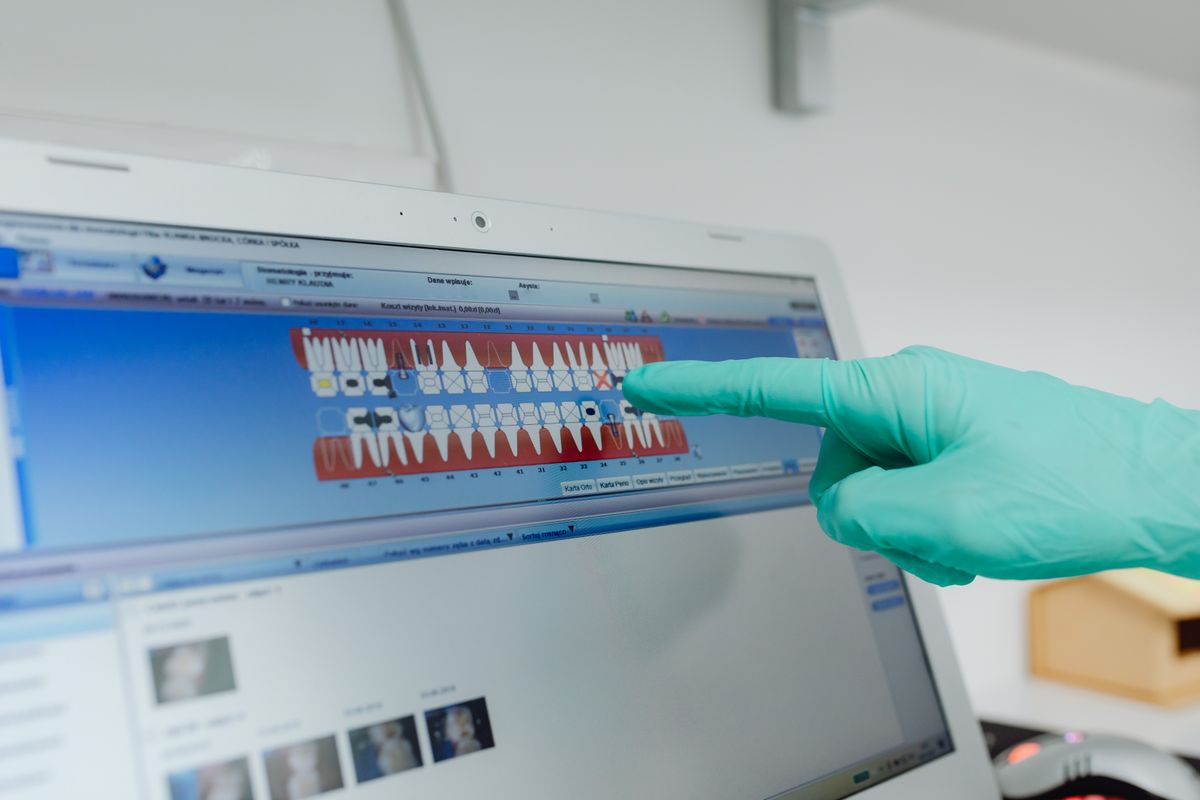
Compare top scheduling software for new dental practices in 2026, with pricing, features, and practical steps to choose and implement.
Choosing the right scheduling software is one of the most critical decisions for a new dental practice. It affects your front desk efficiency, patient experience, and revenue. This guide compares the top options in 2026, with realistic pricing and concrete steps to make the right choice.
What to Look for in Scheduling Software
Before comparing specific tools, understand the core features your practice needs. A scheduling system for a new dental practice should include:
- Appointment booking: Online booking, automated reminders, and waitlist management.
- Calendar integration: Sync with Google Calendar or Outlook.
- Patient management: Store patient demographics, insurance info, and treatment history.
- Billing integration: Connect with your practice management or billing software.
- Reporting: Track no-shows, cancellations, and provider utilization.
- Mobile access: Allow staff to check schedules on the go.
- Ease of use: Your front desk team must learn it quickly.
Top Scheduling Software Options
Here are the leading scheduling platforms for new dental practices in 2026, with price ranges based on current market data.
1. Dentrix Ascend
Dentrix Ascend is a cloud-based practice management system that includes robust scheduling. It is designed for dental practices of all sizes, with a focus on integrated workflows.
- Price: $300-$500 per month per provider, depending on features.
- Best for: Practices that want an all-in-one solution with scheduling, charting, and billing.
- Key features: Real-time calendar, online booking, automated reminders, and insurance eligibility checks.
- Pros: Comprehensive, scalable, and backed by Henry Schein.
- Cons: Higher cost, may be overkill for a solo practice.
2. Open Dental
Open Dental is a popular, highly customizable practice management software. It offers a scheduling module that is flexible and widely used.
- Price: $350-$500 one-time license fee per provider, plus optional monthly support ($200-$300/month).
- Best for: Practices that want a traditional, on-premise solution with full control.
- Key features: Appointment book, recall management, and integration with many third-party tools.
- Pros: Low upfront cost, extensive customization.
- Cons: Requires a server and IT knowledge, updates can be complex.
3. Curve Dental
Curve Dental is a cloud-based practice management system with a strong focus on usability. It includes scheduling as part of its core package.
- Price: $250-$400 per month per provider.
- Best for: Practices that want a modern, intuitive interface and easy remote access.
- Key features: Smart scheduling, online booking, and patient communication tools.
- Pros: User-friendly, no long-term contracts.
- Cons: Fewer advanced features than some competitors.
4. Practice-Web
Practice-Web is a budget-friendly option that offers scheduling along with patient records and billing. It is often used by smaller practices.
- Price: $99-$199 per month (flat rate for unlimited providers).
- Best for: Solo practitioners or small practices on a tight budget.
- Key features: Appointment scheduling, patient reminders, and basic reporting.
- Pros: Very affordable, simple to use.
- Cons: Limited scalability, fewer integrations.
5. RevenueWell (Now Part of NexHealth)
RevenueWell, now integrated with NexHealth, is a patient communication platform that includes scheduling features. It is often used alongside a practice management system.
- Price: $150-$300 per month, depending on patient volume.
- Best for: Practices that want to enhance their existing scheduling with automated reminders and online booking.
- Key features: Automated text/email reminders, online booking, and reputation management.
- Pros: Improves patient engagement, reduces no-shows.
- Cons: Not a full practice management system; requires integration.
6. SimplyBook.me
SimplyBook.me is a generic booking platform that can be customized for dental practices. It is a low-cost option for basic scheduling needs.
- Price: Free plan available; paid plans start at $9.90/month and go up to $99/month.
- Best for: Practices that need a simple online booking widget and don’t require integrated patient records.
- Key features: Online booking, reminders, and payment processing.
- Pros: Extremely affordable, easy to set up.
- Cons: Lacks dental-specific features like insurance management and treatment planning.
Comparison Table
| Software | Price Range (Monthly) | Best For | Key Strength |
|---|---|---|---|
| Dentrix Ascend | $300-$500/provider | All-in-one, scalable | Comprehensive integration |
| Open Dental | $350-$500 one-time + $200-$300 support | Customizable, on-premise | Flexibility and control |
| Curve Dental | $250-$400/provider | Modern, cloud-based | User-friendly interface |
| Practice-Web | $99-$199 flat | Budget-conscious small practices | Low cost |
| RevenueWell/NexHealth | $150-$300 | Enhancing existing systems | Patient communication |
| SimplyBook.me | Free-$99 | Simple online booking | Affordability and simplicity |
How to Choose the Right Software
Follow these steps to make an informed decision:
- List your must-have features: Write down the top 5 features you cannot live without, such as online booking or insurance integration.
- Set a budget: Determine what you can afford monthly, including setup and training costs.
- Request demos: Contact vendors and schedule a live demo. Ask about implementation time and support.
- Check integrations: Ensure the software works with your other tools, like imaging or billing systems.
- Read reviews: Look for feedback from other dental practices, especially those of similar size.
- Try before you buy: Many offer free trials. Use a trial period to test the software with your team.
Implementation Tips for New Practices
Once you choose a software, implement it effectively:
- Plan a training day: Allocate at least one full day for staff training, plus ongoing support.
- Migrate data carefully: If you have existing patient data, work with the vendor to transfer it accurately.
- Set up templates: Create appointment types and schedules that match your workflow.
- Test reminders: Send test reminders to ensure they work before going live.
- Get feedback: After a week, ask your team what’s working and what needs adjustment.
Frequently Asked Questions
Can I use generic booking software like Calendly for my dental practice?
Generic booking software can handle basic appointments, but it lacks dental-specific features such as insurance verification, treatment planning, and integration with dental imaging. For a professional practice, invest in dental-specific software to avoid workflow gaps.
How much does scheduling software cost for a new dental practice?
Costs range from $99 per month for basic options like Practice-Web to $500 per month per provider for comprehensive systems like Dentrix Ascend. Factor in setup fees, training, and hardware costs.
Is cloud-based or on-premise software better for a new practice?
Cloud-based software is generally easier to set up and access remotely, making it ideal for new practices. On-premise software like Open Dental offers more control but requires IT maintenance. For most new practices, cloud-based is the practical choice.
How long does it take to implement scheduling software?
Implementation can take from a few days to two weeks, depending on the complexity of the software and the amount of data to migrate. Allow extra time for staff training and testing.
The Bottom Line
For a new dental practice, the best scheduling software balances cost, ease of use, and essential features. If you want an all-in-one solution, Dentrix Ascend or Curve Dental are strong choices. If budget is a concern, Practice-Web offers solid functionality at a low price. Start by defining your needs, testing a few options, and involving your team in the decision. With the right software, you’ll streamline your front desk and improve patient satisfaction from day one.