Best New Dental Practice Tools Compared in 2026
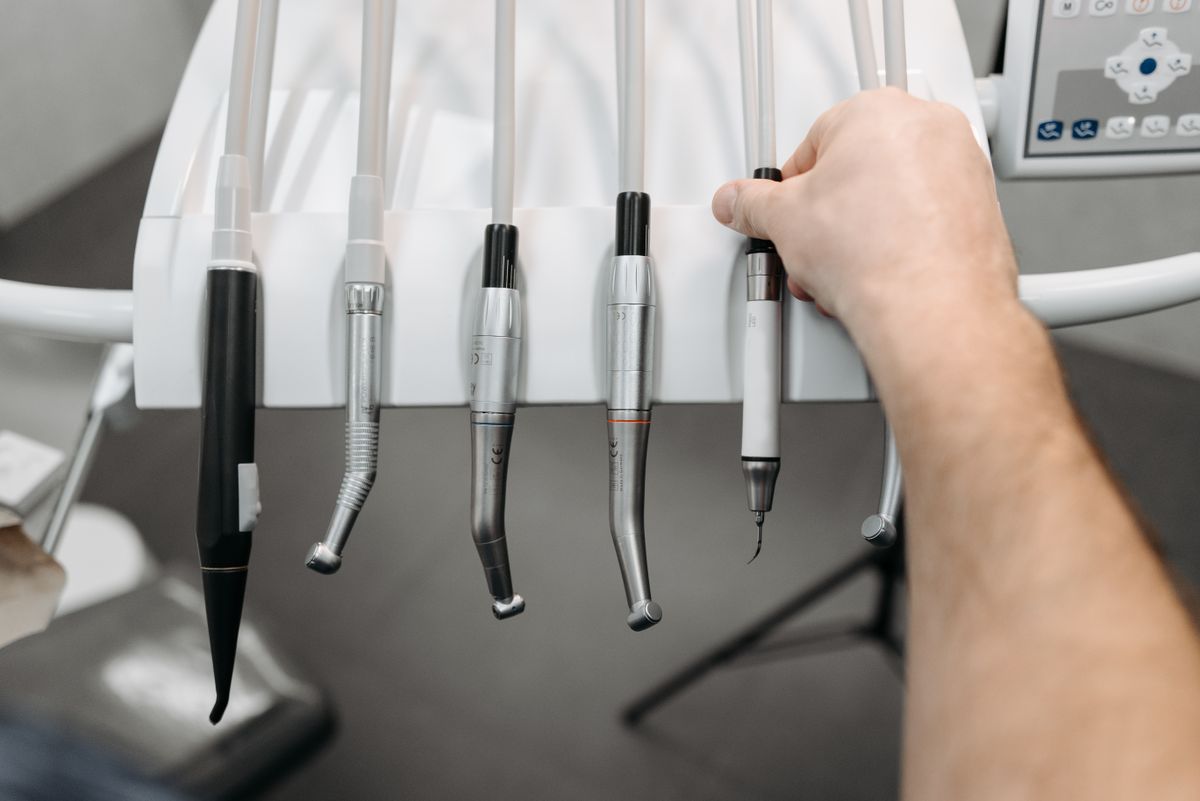
Compare the top new dental practice management tools of 2026, with pricing, features, and practical steps to choose the right one for your practice.
Choosing the right tools for your new dental practice is a critical business decision. In 2026, the market offers several new platforms that promise to streamline operations, improve patient experience, and boost revenue. This guide compares the top options, focusing on real-world costs and features, so you can make an informed choice without wasting time or money.
What to Look for in a Dental Practice Tool
Before diving into specific products, understand the core features that matter most for a new practice:
- EHR/Patient Records: Cloud-based, secure, and easy to navigate.
- Scheduling and Reminders: Automated appointment reminders reduce no-shows.
- Billing and Insurance: Integrated claims processing and payment tracking.
- Patient Communication: Two-way texting, email, and online booking.
- Analytics and Reporting: Track key metrics like production, collections, and patient acquisition.
- Integration: Works with your existing software (e.g., imaging, accounting).
Top New Dental Practice Tools in 2026
Here are six tools that have gained traction among new practices. Prices are monthly per provider, and ranges reflect base plans to full-featured packages.
1. Dentrix Ascend
Dentrix Ascend is a cloud-based practice management system from Henry Schein. It offers a comprehensive suite including scheduling, billing, and patient engagement.
- Price: $250-$500/month per provider, depending on modules.
- Best for: Practices that want a full-featured system with strong support.
- Pros: Robust features, integrated imaging, and a large user community.
- Cons: Higher cost, steeper learning curve.
2. Open Dental
Open Dental is a popular, customizable desktop-based system, now with a cloud option. It’s known for its flexibility and transparency.
- Price: $350-$600/month (cloud) or $15,000-$20,000 one-time license plus maintenance.
- Best for: Practices that want control and customization.
- Pros: Highly customizable, no per-patient fees, strong reporting.
- Cons: Requires technical setup, user interface is dated.
3. Curve Dental
Curve Dental is a cloud-based system designed for small to mid-sized practices. It focuses on simplicity and mobility.
- Price: $250-$400/month per provider.
- Best for: New practices that want an easy-to-use, all-in-one solution.
- Pros: Intuitive interface, built-in patient portal, no long-term contracts.
- Cons: Fewer advanced features than competitors.
4. CareStack
CareStack is an all-in-one cloud platform that includes practice management, patient engagement, and analytics. It’s designed to scale with your practice.
- Price: $300-$500/month per provider.
- Best for: Practices planning to grow and need advanced analytics.
- Pros: Comprehensive features, excellent reporting, integrated payments.
- Cons: Implementation can be complex, requires training.
5. Dentrix (Desktop)
The classic Dentrix is still widely used, but the 2026 version includes new AI-driven features for insurance verification and patient follow-up.
- Price: $500-$700/month (including support and updates).
- Best for: Practices that prefer a traditional, powerful system.
- Pros: Mature product, extensive features, strong ecosystem.
- Cons: On-premise requires IT management, higher cost.
6. Tab32
Tab32 is a cloud-based platform that combines practice management with patient communication and imaging. It’s known for its modern interface.
- Price: $200-$350/month per provider.
- Best for: Tech-savvy practices that want a modern, integrated solution.
- Pros: Clean UI, built-in tele-dentistry, affordable.
- Cons: Smaller user base, fewer third-party integrations.
Comparison Table
| Tool | Price Range (per month) | Key Features | Best For |
|---|---|---|---|
| Dentrix Ascend | $250-$500 | Full suite, imaging, support | Comprehensive needs |
| Open Dental | $350-$600 (cloud) | Customizable, reporting | Control and flexibility |
| Curve Dental | $250-$400 | Simplicity, patient portal | Ease of use |
| CareStack | $300-$500 | Analytics, payments, scalability | Growth-oriented practices |
| Dentrix (Desktop) | $500-$700 | AI features, mature ecosystem | Traditional, powerful |
| Tab32 | $200-$350 | Modern UI, tele-dentistry | Tech-savvy, budget-conscious |
How to Choose the Right Tool for Your Practice
Follow these steps to make a decision that fits your practice’s needs and budget.
- List your must-have features. Write down the top 5 features you cannot live without. For example, if you plan to offer telehealth, ensure the tool supports it.
- Set a budget. Determine what you can afford monthly per provider. Remember to include training and implementation costs, which can range from $1,000 to $5,000 one-time.
- Request demos. Schedule live demos with at least 3 vendors. Ask about onboarding time, support availability, and hidden fees.
- Check integration capabilities. Ensure the tool integrates with your imaging software, accounting (e.g., QuickBooks), and payment processors.
- Read user reviews. Look for feedback from practices similar to yours in size and specialty.
- Start with a pilot. If possible, use a free trial or pilot program for 30 days to test real workflows.
Practical Steps to Implement This Week
- This week: Research and shortlist 3-4 tools based on the table above. Visit their websites and download pricing sheets.
- Next week: Schedule demos with your top 2 choices. Prepare a checklist of questions about data migration, uptime, and customer support.
- Within a month: Choose a tool, negotiate the contract, and plan the implementation timeline. Allocate at least 2 weeks for data migration and staff training.
FAQ
Q: How much does a dental practice management system cost in 2026? A: Expect to pay $200-$700 per provider per month, depending on features and whether it’s cloud-based or on-premise. One-time setup fees can range from $1,000 to $5,000.
Q: Are cloud-based systems better than desktop for a new practice? A: Cloud-based systems offer lower upfront costs, remote access, and automatic updates. They are generally recommended for new practices because they require less IT infrastructure.
Q: Can I switch systems later if I outgrow my initial choice? A: Yes, but data migration can be time-consuming and costly. Plan for scalability from the start, and choose a system that can grow with you to avoid a disruptive switch.
Q: Do these tools integrate with dental imaging software? A: Most top tools integrate with major imaging systems like Dexis, Carestream, and Planmeca. Verify compatibility with your specific imaging software before committing.
The Bottom Line
The best dental practice tool for you depends on your budget, technical comfort, and growth plans. For most new practices, a cloud-based system like Curve Dental or Tab32 offers a good balance of cost and functionality. If you need advanced analytics and are planning to expand, CareStack is a strong contender. Start by defining your needs, compare demos, and choose a tool that will support your practice for the next five years. Invest time in training your team, as a well-implemented system will save you hours each week and improve patient satisfaction.