Best Scheduling Software for New Vet Clinics
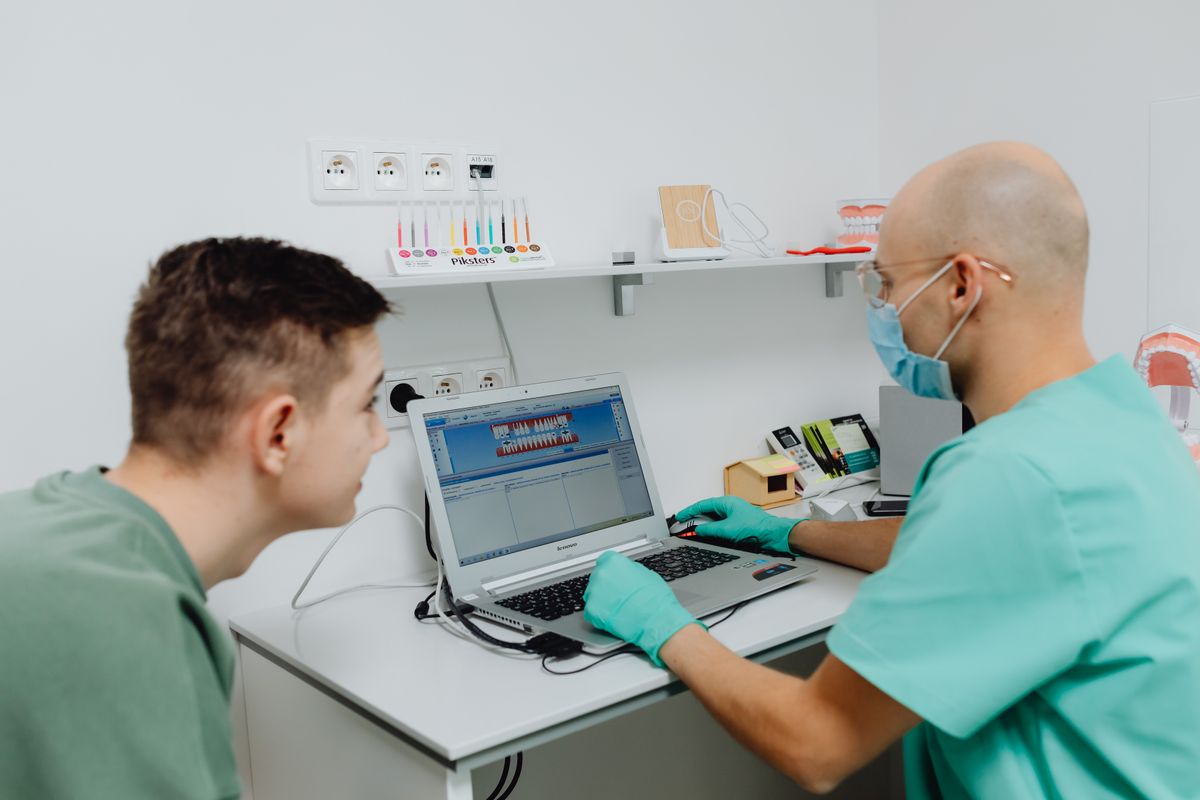
Compare top scheduling software for new vet clinics in 2026. See pricing, features, and steps to choose the right system for your practice.
Choosing the right scheduling software for your new vet clinic is a critical decision. It affects your front desk efficiency, client experience, and revenue. This guide compares the top options in 2026, with realistic pricing and practical steps to make the best choice for your practice.
What to Look for in Vet Scheduling Software
Before comparing specific tools, understand the core features your clinic needs. A good scheduling system for a vet practice should include:
- Appointment types: Support for exams, surgeries, drop-offs, and telehealth.
- Calendar views: Daily, weekly, and multi-doctor views.
- Reminders: Automated email, text, or phone reminders to reduce no-shows.
- Client portal: Allow clients to book, reschedule, or cancel online.
- Integration: Works with your practice management software (PMS) and payment systems.
Additional features like waitlist management, recurring appointments, and mobile access can save time. But for a new clinic, focus on the essentials first.
Top Scheduling Software Options for 2026
Here are five leading scheduling platforms used by vet clinics, with price ranges based on 2026 data.
1. Vetspire
Vetspire is a cloud-based practice management system with a built-in scheduling module. It is designed for multi-doctor practices and offers robust features like automated reminders, online booking, and a client portal.
- Price: $250-$500 per month, depending on clinic size and features.
- Best for: Clinics that want an all-in-one solution with strong scheduling capabilities.
- Pros: Seamless integration with medical records, customizable appointment types, and strong reporting.
- Cons: Higher cost, may be overkill for a solo practitioner.
2. EasyVet
EasyVet is a popular cloud-based PMS with scheduling at its core. It offers an intuitive calendar, online booking, and automated reminders. It is known for its user-friendly interface and responsive support.
- Price: $200-$400 per month.
- Best for: New clinics that need a reliable, easy-to-use system.
- Pros: Affordable, quick setup, and includes client communication tools.
- Cons: Some advanced features require add-ons.
3. Shepherd Veterinary Software
Shepherd is a modern, cloud-based PMS that includes scheduling, medical records, and billing. It is designed to be simple and efficient, with a focus on usability.
- Price: $150-$300 per month.
- Best for: Small to medium clinics that want a cost-effective solution.
- Pros: Clean interface, built-in reminders, and online booking.
- Cons: Fewer integrations compared to larger platforms.
4. Hippo Manager
Hippo Manager is a cloud-based PMS that offers scheduling as part of its suite. It is known for its flexibility and customization options.
- Price: $200-$350 per month.
- Best for: Clinics that need customizable workflows.
- Pros: Customizable templates, strong reporting, and good support.
- Cons: Learning curve for some users.
5. PIMS (Practice Information Management System)
PIMS is a legacy desktop-based system that many established clinics use. It offers scheduling, invoicing, and client management. However, it lacks modern cloud features and mobile access.
- Price: $100-$200 per month (often with a one-time license fee).
- Best for: Clinics that prefer a traditional, on-premise system.
- Pros: Low monthly cost, familiar interface.
- Cons: No remote access, outdated technology, and limited integrations.
Comparison Table
| Software | Price Range (Monthly) | Cloud-Based | Online Booking | Integrates with PMS | Best For |
|---|---|---|---|---|---|
| Vetspire | $250-$500 | Yes | Yes | Built-in | Multi-doctor, all-in-one |
| EasyVet | $200-$400 | Yes | Yes | Yes | New clinics, ease of use |
| Shepherd | $150-$300 | Yes | Yes | Yes | Small to medium, cost-effective |
| Hippo Manager | $200-$350 | Yes | Yes | Yes | Customizable workflows |
| PIMS | $100-$200 | No | No | Limited | Traditional, on-premise |
How to Choose the Right Software for Your Clinic
Follow these steps to make an informed decision:
- List your must-have features: Write down the top 5 features you need, such as online booking, reminders, or integration with your PMS.
- Set a budget: Determine what you can afford monthly. Remember to include setup fees and any add-ons.
- Request demos: Contact each vendor and ask for a live demo. This helps you see the interface and ask questions.
- Check integrations: Ensure the software works with your existing tools, like payment processors or lab systems.
- Read reviews: Look for feedback from other vet clinics, especially those similar to yours in size.
- Test with a trial: Many vendors offer free trials. Use this time to test the software with your team.
Implementation Tips for a Smooth Launch
Once you choose a system, plan the implementation carefully:
- Import data: Transfer your client and patient records accurately. Most vendors offer migration assistance.
- Train your staff: Schedule training sessions for your front desk and veterinary team. Make sure everyone is comfortable with the new system.
- Set up reminders: Configure automated reminders to go out 24-48 hours before appointments.
- Communicate with clients: Announce the new online booking feature to your clients via email or social media.
Frequently Asked Questions
Can I use scheduling software without a PMS?
Yes, some scheduling tools like Calendly or Acuity can work standalone, but they lack vet-specific features like medical record integration. For a vet clinic, it is better to choose a system that integrates with your PMS or includes one.
How much does scheduling software cost for a new vet clinic?
Expect to pay between $150 and $500 per month for a cloud-based system with scheduling features. The cost depends on the number of doctors, features, and whether you need a full PMS.
What is the best scheduling software for a solo vet?
For a solo practitioner, a simple and affordable option like Shepherd or EasyVet is often sufficient. They offer essential features without the high cost of larger systems.
How long does it take to implement new scheduling software?
Implementation can take anywhere from a few days to a few weeks, depending on the complexity and data migration. Most cloud-based systems can be set up within a week if you have your data organized.
The Bottom Line
The best scheduling software for your new vet clinic depends on your budget, clinic size, and feature needs. For most new clinics, cloud-based options like EasyVet or Shepherd offer the best balance of cost and functionality. Vetspire is a strong choice if you want an all-in-one system with room to grow. Avoid legacy systems like PIMS unless you have specific reasons to stay on-premise. Take advantage of free trials, involve your team in the decision, and prioritize features that improve client experience and reduce no-shows. With the right software, you can streamline your front desk and focus on providing excellent veterinary care.