The New Vet Clinic Software Stack: Everything You Need
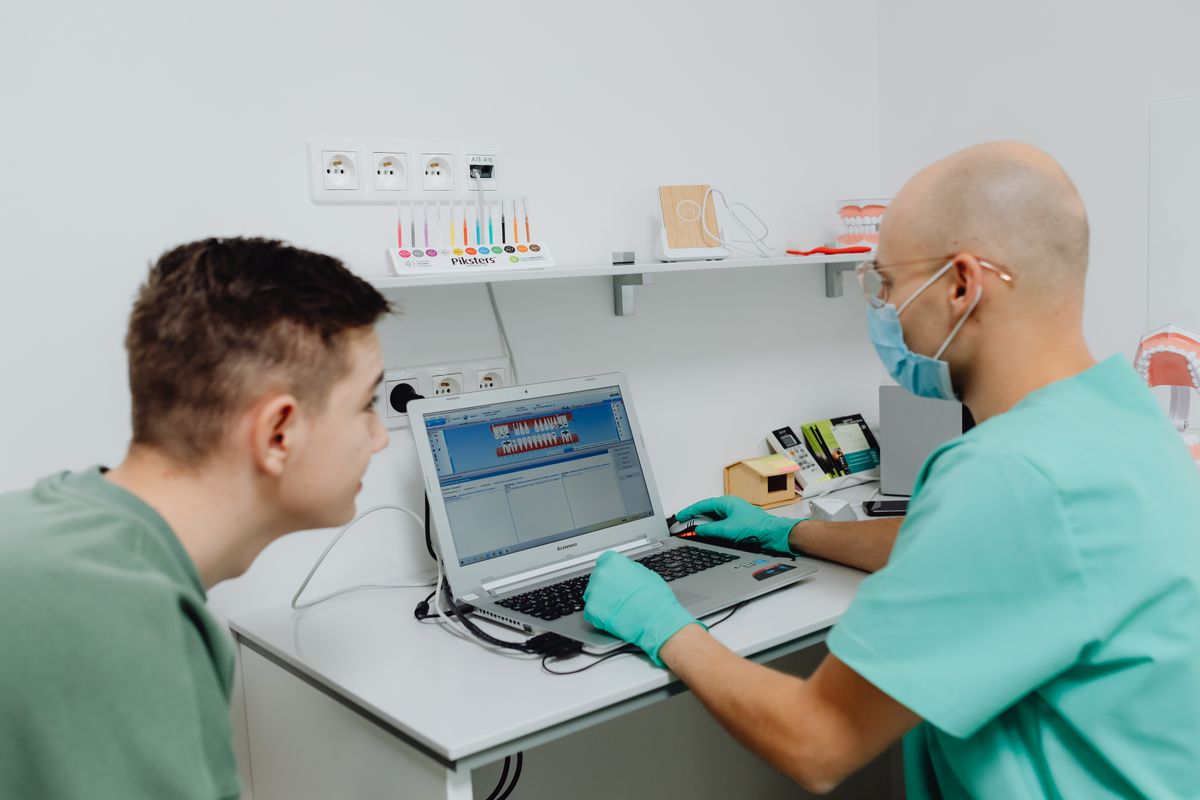
A practical guide to the essential software for new vet clinics: PIMS, payments, telehealth, and more, with costs and steps.
Starting a new veterinary clinic means choosing software that keeps your practice running smoothly. You need tools for medical records, appointments, billing, client communication, and more. This guide covers the core software stack for a new vet clinic, with realistic 2026 price ranges and practical steps to get started.
Practice Information Management System (PIMS)
The PIMS is the heart of your clinic. It stores patient records, schedules appointments, manages invoicing, and tracks inventory. Most PIMS are cloud-based now, so you can access them from any device.
Top options and pricing (per month, per provider):
| PIMS | Price Range | Best For |
|---|---|---|
| Idexx Neo | $250-$500 | Integrated with Idexx lab equipment |
| Covetrus (formerly Avimark) | $200-$400 | Large practices with multiple locations |
| eVetPractice | $150-$300 | Small to mid-sized clinics |
| Shepherd | $99-$199 | Startups and mobile vets |
| Hippo Manager | $149-$299 | User-friendly interface, good support |
Prices vary based on features, number of providers, and add-ons. Some require an initial setup fee, often $500-$2,000.
Key features to look for:
- Cloud-based with offline mode
- Integrated payments (credit card processing)
- Client portal for appointments and records
- Reporting and analytics
- Inventory management
Action step: Request demos from at least three vendors. Ask about data migration if you have existing records. Check for integrations with your lab and imaging equipment.
Online Booking and Appointment Scheduling
Clients expect to book online. A scheduling tool reduces phone calls and no-shows.
Options:
- Built-in PIMS scheduling: Most PIMS include basic online booking. Cost is often included.
- Standalone tools: Calendly ($10-$20/month) or Acuity Scheduling ($20-$40/month) can integrate with your PIMS.
Features:
- Automated reminders via email and SMS
- Waitlist management
- Customizable appointment types
Action step: Enable online booking in your PIMS first. If it lacks features, add a standalone tool and link it to your calendar.
Payment Processing and Billing
You need to accept cards, manage invoices, and offer payment plans.
Payment processors:
- PayPal (2.99% + $0.49 per transaction)
- Square (2.6% + $0.10 per swipe, 3.5% for keyed)
- Stripe (2.9% + $0.30 per transaction)
- Integrated PIMS payments (often 2.5%-3.5% per transaction)
Payment plans: Services like CareCredit (for clients) or Scratchpay (for vet clinics) help clients finance large bills. These charge the clinic a fee, typically 4%-6% of the transaction.
Action step: Compare rates. Choose a processor that integrates with your PIMS to avoid manual entry. Set up payment plans for major procedures.
Telehealth and Client Communication
Telehealth is now standard. It lets you do follow-ups and consultations remotely.
Telehealth platforms:
- Vetster (for clients, but you can join as a provider)
- TeleTails (white-label for clinics, $200-$500/month)
- Scribble (integrates with PIMS, $50-$150/month)
Communication tools:
- Email: Use your PIMS or a service like Mailchimp (free up to 500 contacts, then $13-$100/month).
- Text messaging: Services like TextMagic ($0.04 per text) or PIMS built-in texting.
- Client portal: Most PIMS have a portal for secure messaging and records.
Action step: Choose a telehealth platform that integrates with your PIMS. Set up automated text reminders for appointments and follow-ups.
Inventory and Pharmacy Management
Managing medications and supplies is critical for revenue and patient safety.
Options:
- PIMS inventory module: Most PIMS track inventory, but may lack advanced features.
- Standalone inventory software: Like Vetcove (free for clinics, makes money from suppliers) or RxWorks (for pharmacies).
Key features:
- Expiration date tracking
- Low-stock alerts
- Purchase order generation
- Integration with suppliers
Action step: Use your PIMS inventory module first. Set up reorder points. If you dispense a lot of medication, consider Vetcove for price comparison and ordering.
Lab and Imaging Integration
Your clinic will run in-house labs and send out samples. Integration saves time and reduces errors.
Lab software:
- Idexx VetLab (integrated with Idexx PIMS and analyzers)
- Antech (similar, with own software)
- Reference lab portals (most labs offer free online portals)
Imaging:
- Radiology software (PACS) like VetPACS or integrated with PIMS.
- Ultrasound software often comes with the machine.
Action step: When you buy lab equipment, ask about software integration. Ensure your PIMS can receive lab results automatically.
Accounting and Payroll
You need to track finances and pay staff.
Accounting software:
- QuickBooks Online ($30-$200/month)
- Xero ($12-$65/month)
Payroll services:
- Gusto ($40 + $6 per person/month)
- ADP (custom pricing, often $50-$100/month)
Action step: Set up your accounting software early. Connect it to your PIMS for revenue tracking. Use a payroll service to handle taxes and compliance.
Cybersecurity and Backup
Protect client data and patient records.
Essentials:
- Antivirus (e.g., Bitdefender, $30-$60/year per device)
- Firewall (often included in router)
- Backup (cloud backup like Backblaze, $7/month per computer, or your PIMS cloud backup)
- Two-factor authentication (enable on all systems)
Action step: Enable 2FA on all accounts. Set up automatic cloud backups. Train staff on phishing.
Putting It All Together: A 5-Step Plan
- Choose your PIMS first. It’s the core. Get demos, compare, and negotiate.
- Set up payment processing. Integrate with PIMS.
- Enable online booking and reminders.
- Add telehealth and communication tools.
- Set up accounting and payroll.
Start with the essentials, then add features as you grow. Most clinics spend $500-$1,500 per month on software in total.
FAQ
Q: How much should I budget for software in the first year? A: Expect $6,000-$18,000 for the first year, including setup fees and subscriptions. This varies by PIMS and add-ons.
Q: Can I use free software to start? A: Some tools have free tiers (like Mailchimp for email), but a PIMS is essential and usually paid. Free options may lack support and features.
Q: How long does it take to implement a PIMS? A: Typically 2-4 weeks for data migration and staff training, but you can start using it sooner.
Q: Do I need separate software for telehealth? A: Not necessarily. Some PIMS include telehealth features. If not, a standalone platform is worth the cost.
The Bottom Line
Your software stack is an investment in efficiency and client care. Start with a solid PIMS, add payment and scheduling tools, then expand to telehealth and inventory. Budget realistically, and choose tools that integrate to save time. Take action this week: schedule demos, compare prices, and plan your rollout. The right stack will pay for itself in saved hours and happier clients.